
Your saved posts,
all in one place.
See a recipe, a workout or a place on Instagram, TikTok or YouTube? Share it to anoli. It lands in the right folder, ready to find later.
iPhone. Free to start.
SAVED FROM
Instagram, TikTok, YouTube

Share it like you’d send it to a friend.
- 1
Tap Share on any post
Instagram, TikTok, YouTube, Safari, Apple Notes. The share button you already use.
- 2
Choose anoli
That's it. A quick tick and you're back in the app you were in.
- 3
It's filed
anoli reads the caption and puts it in the right folder. If it's unsure, it asks with one tap.
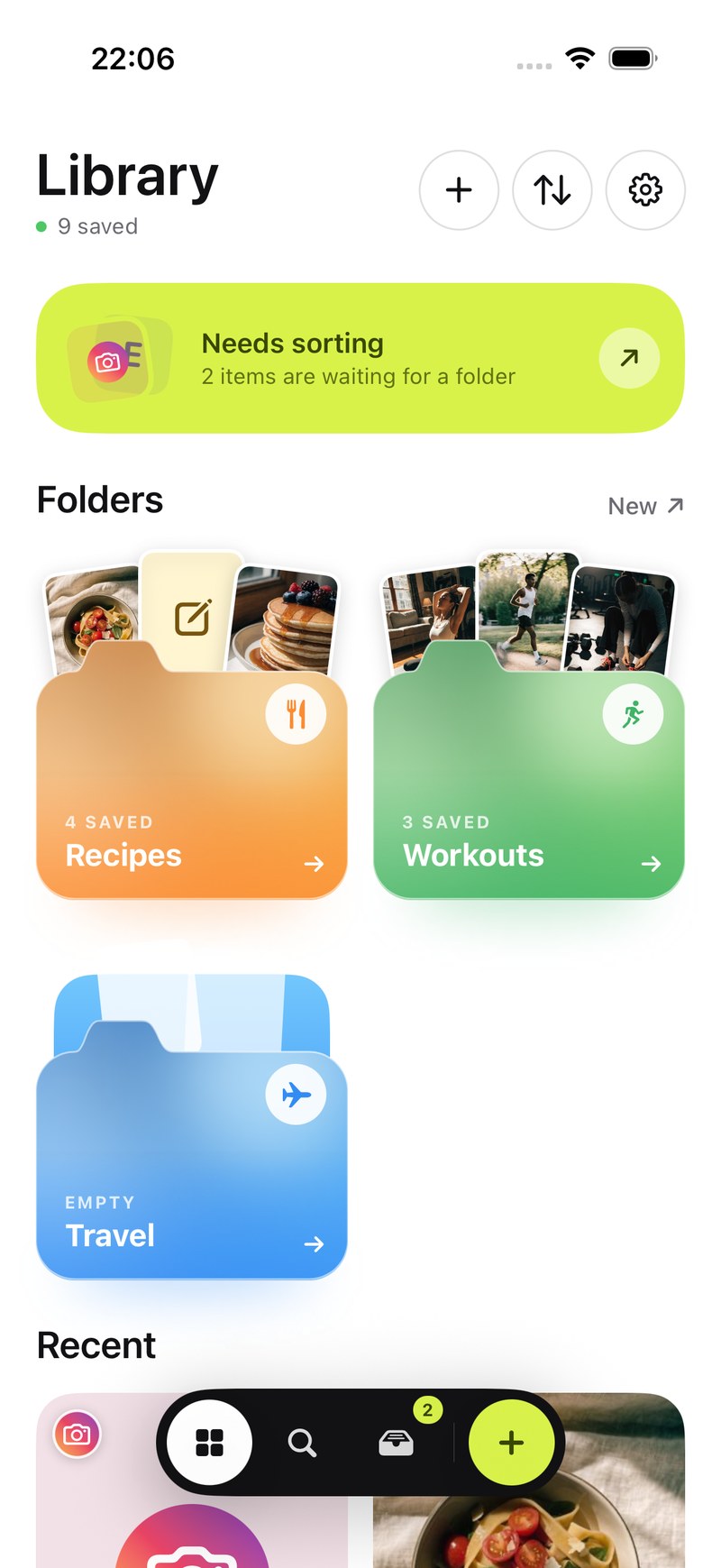
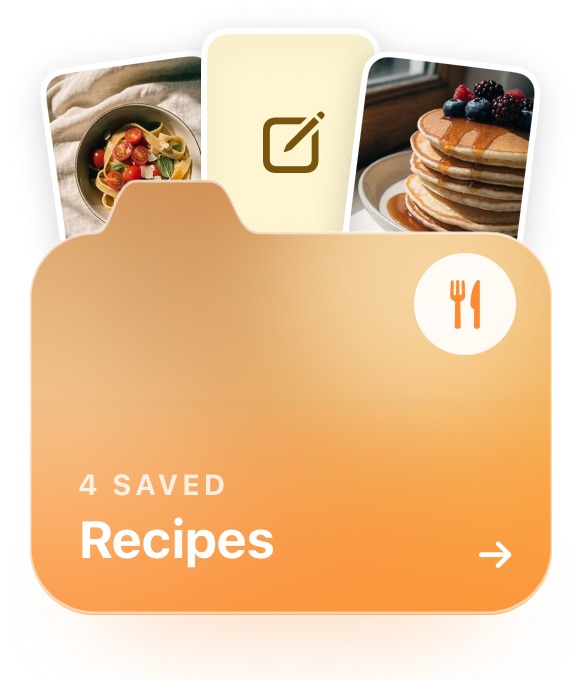
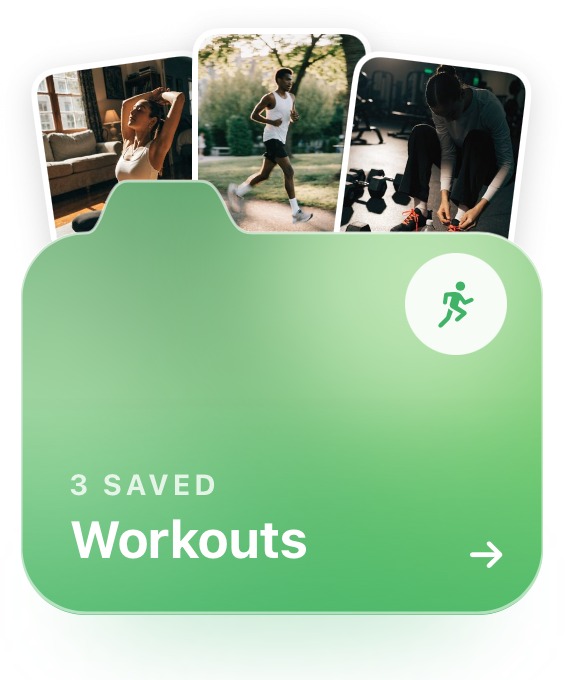
A folder for everything, folders inside folders.
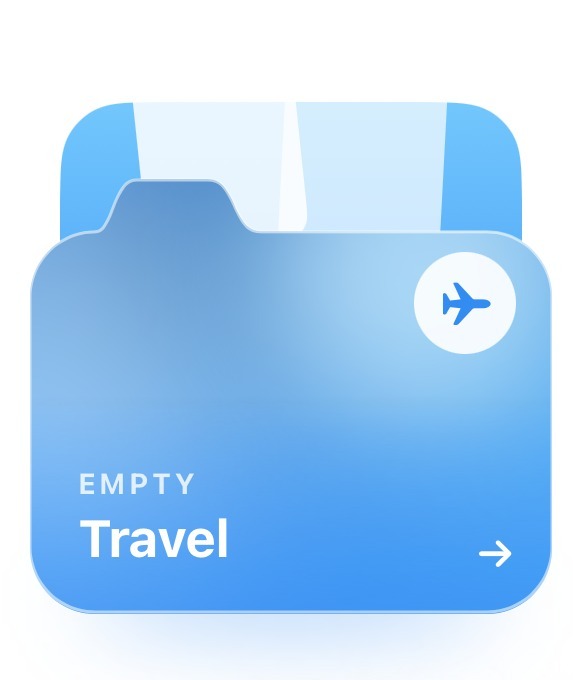
Recipes, workouts, places, ideas for the flat. Every folder shows its three latest saves peeking out, so you know what's inside before you open it. Give it a photo cover, a colour, an emoji, or none of those.
Find it by any word you remember.
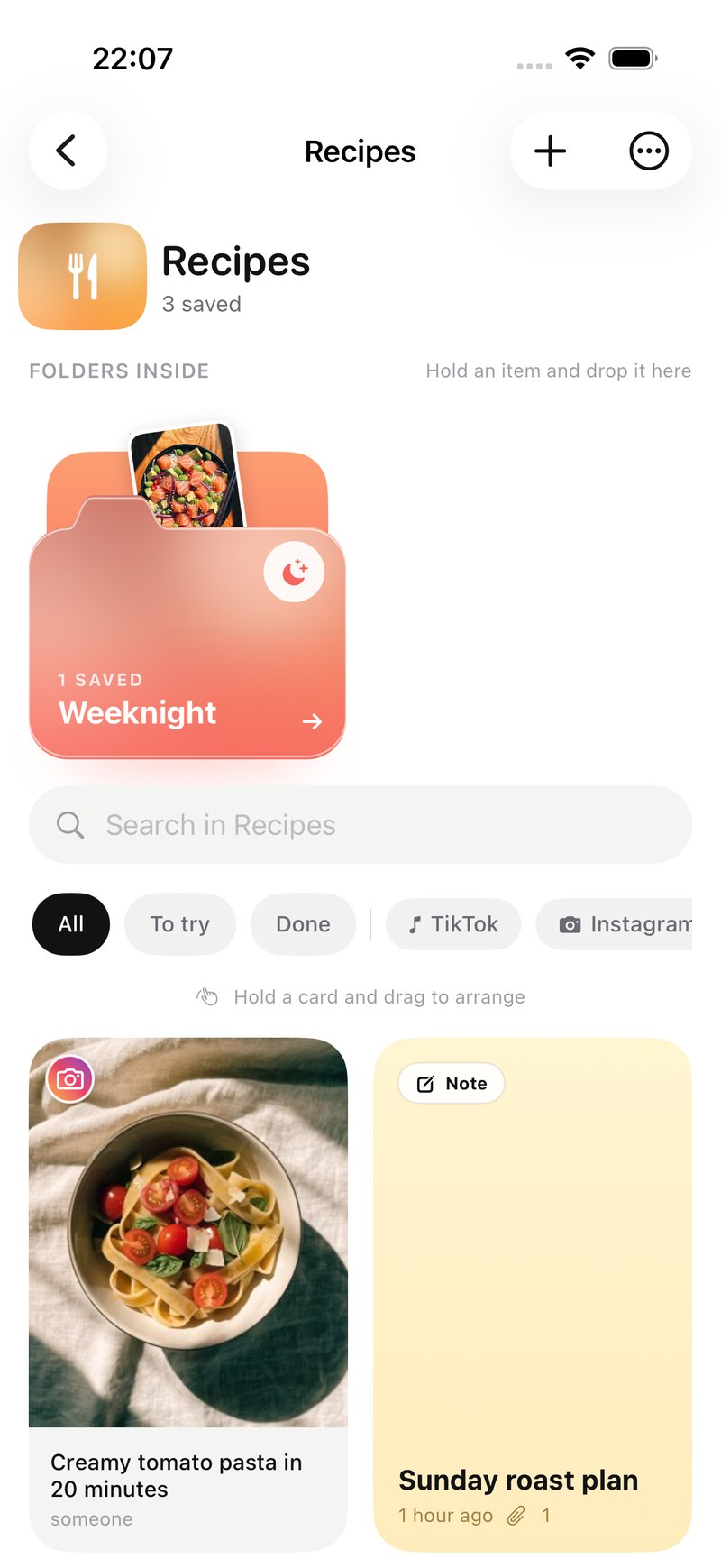
Search looks inside notes, captions, transcripts, PDFs, tags and creators. It shows the line that matched. Narrow it to links, notes, photos, videos or files, or open the calendar and see what you saved on a given day.
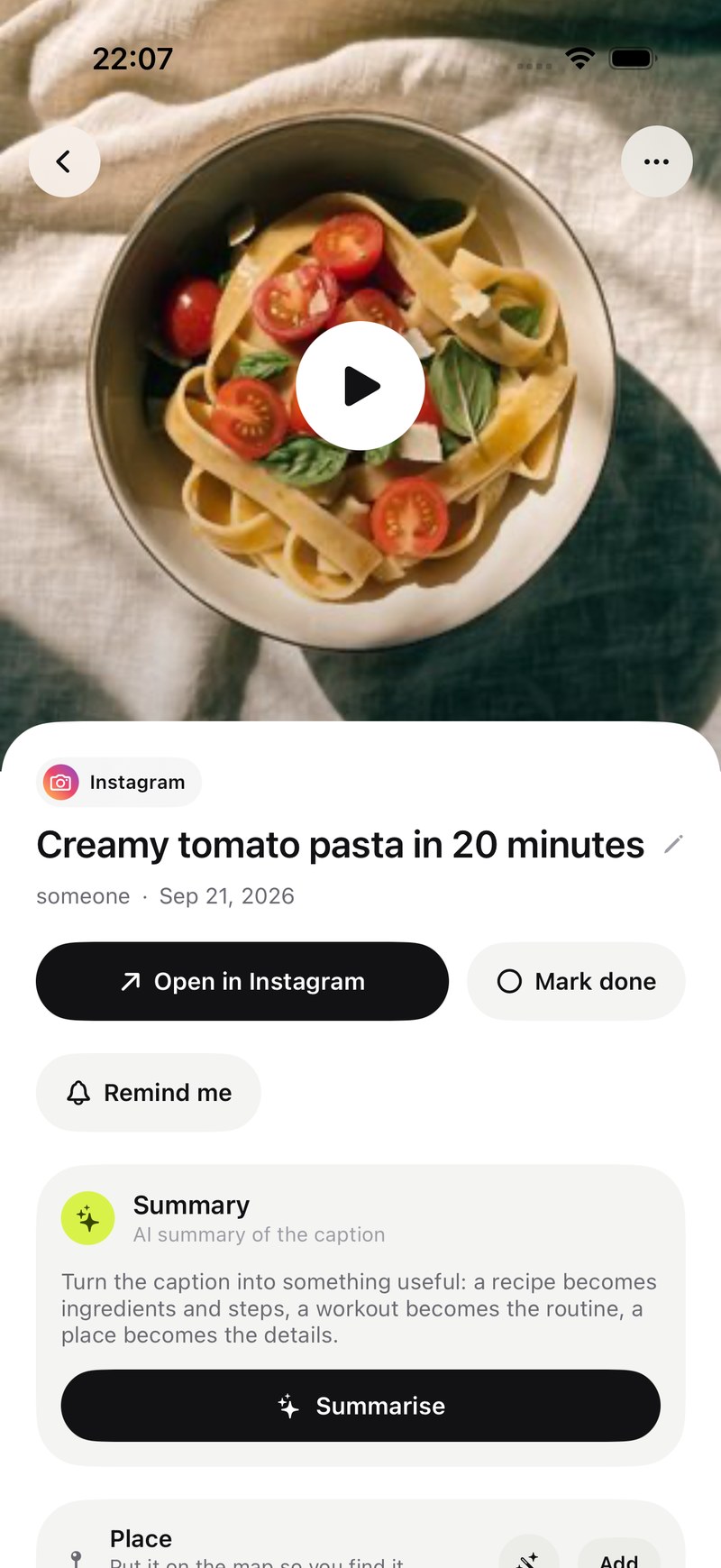
A recipe becomes ingredients and steps.
Tap Summarise and the caption turns into something you can cook from, train with or navigate to. Attach the video and anoli listens to what's said in it too. Mark it done when you've tried it, or set a reminder.
Folders with friends.
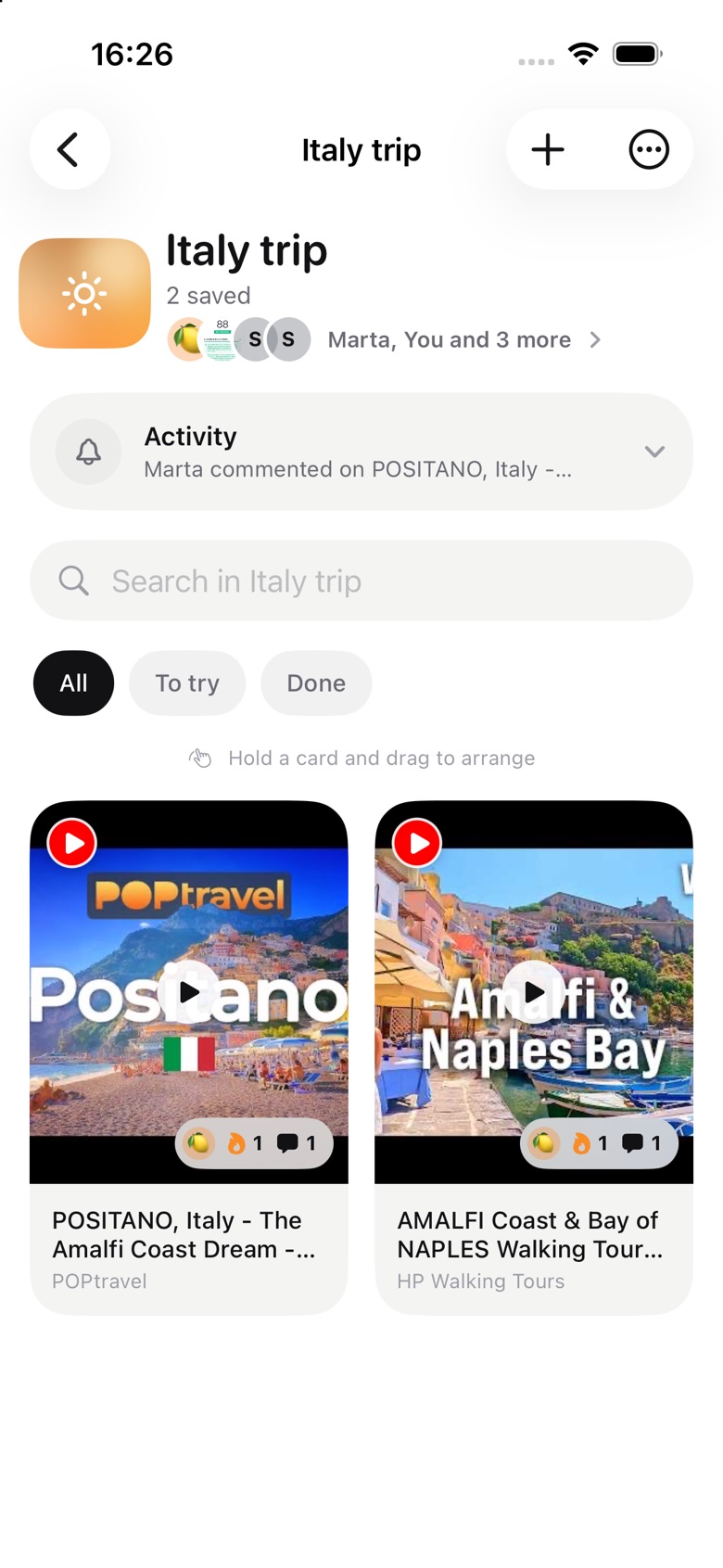
Send one link and a friend is in. Everything either of you saves lands in the same folder, with reactions and a conversation on every save. Plan the trip in the folder you'll use on the trip.
anoli Pro
£10 a year
Saving links is free. Pro is for when anoli becomes where you keep things.
- Unlimited saves
- Notes, photos and files
- Picture covers for folders
- Summaries and transcripts
- Folders with friends
- Everything that comes next
Charged through the App Store. Cancel any time in your iPhone settings.

Questions
- Is it free?
- Yes. Your first saves are free, with no account and no card. anoli Pro is one yearly subscription that unlocks unlimited saves, notes, photos, files and picture covers for folders.
- How much is Pro?
- £10 a year, or the equivalent in your country. It's charged through the App Store and renews yearly until you cancel in your iPhone settings.
- Which apps does it work with?
- Anything with a share button: Instagram, TikTok, YouTube, Pinterest, X, Reddit, Threads, Facebook, Telegram, Safari and every other browser. Apple Notes too.
- Where does my stuff go?
- Your folders and links sync to your account so they're safe if you lose your phone. Photos and videos you attach stay on your phone unless you put them in a folder shared with someone.
- Can I get everything out?
- Always. Settings has one button that exports every folder and save as a zip, laid out exactly like the app, and one that deletes your account on the spot.
Something else? Support is here.